
N8N and GoHighLevel Automations for Web Ops
Launch day is not the finish line. Forms still need routing. Leads still need follow-up. Sites still break in boring ways at odd hours. As a Senior Web Developer, I treat N8N GoHighLevel automation as ops glue: small, reliable workflows that keep WordPress and Shopify work moving after the theme ships.
This post stays practical and honest. No invented run counts. No confidential Soapbox client names. Just how I split roles between N8N and GoHighLevel, what I automate in general terms, and the guardrails I refuse to skip.
Sites still need ops glue after launch
A custom theme or storefront can look finished and still leave gaps:
Form submissions that only email one inbox and disappear
Lead handoffs that depend on someone remembering to copy a row
Uptime or error signals that nobody sees until a client pings Slack
Recurring maintenance tasks that live in someone’s head
Automation is not a substitute for good engineering. It is how you keep the operational edges from becoming silent failure.
What I automate (in general terms)
Typical web-ops workflows I wire up:
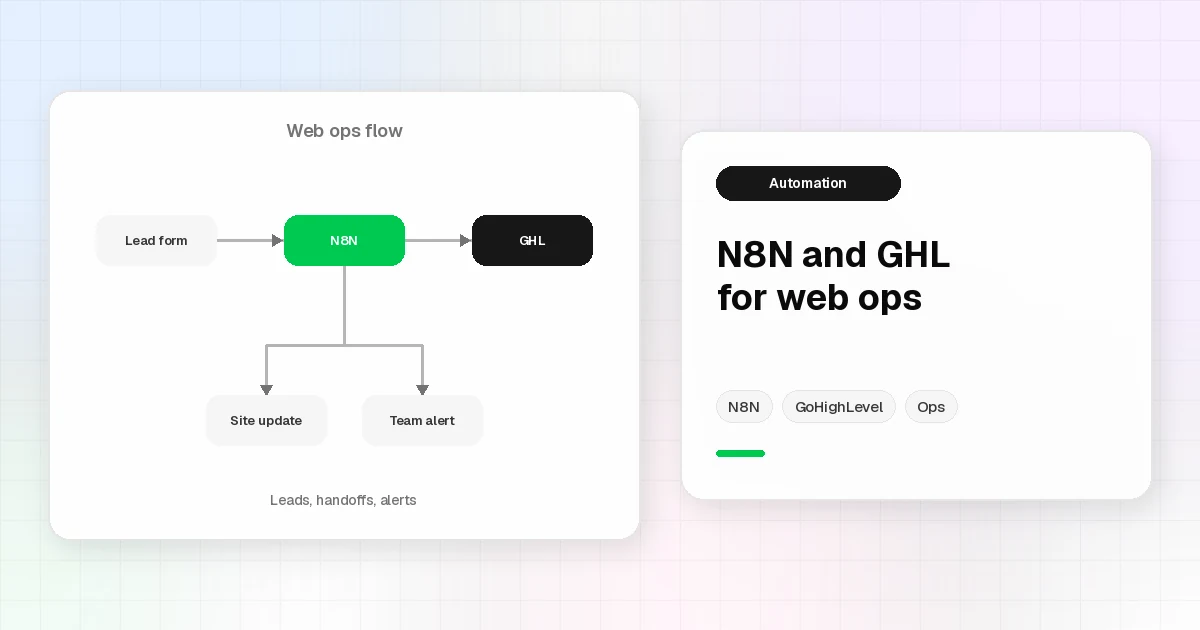
Lead capture to CRM or pipeline: form or webhook in, cleaned fields out, owner notified
Handoffs: new lead or support signal routed to the right channel (email, GHL workflow, chat)
Alerts: failed payments, form spam spikes, or deploy/health pings that need a human eye
Content and commerce helpers: light sync jobs around WordPress or Shopify events where an API exists and the rule is clear
I keep the descriptions general on purpose. The pattern matters more than a vanity counter of “flows run.”
N8N GoHighLevel automation: different jobs
I do not treat them as clones.
N8N is the flexible workflow engine. It shines when you need custom branching, multiple APIs, retries, and developer-owned logic across WordPress, Shopify, inboxes, sheets, and internal tools.
GoHighLevel is the CRM and marketing ops layer. It shines when the business already lives in GHL pipelines, calendars, SMS or email sequences, and pipeline stages that non-developers also touch.
A clean split looks like this:
N8N for cross-system glue and technical transforms
GHL for pipeline, messaging cadence, and sales/ops visibility
Shared webhooks so neither side becomes a black box
That is the core of N8N GoHighLevel automation for web ops: each tool owns what it is good at.
How this pairs with WordPress and Shopify maintenance
At Soapbox-level work (themes, plugins, storefronts, ongoing maintenance), automation usually sits beside the site rather than inside a page builder:
WordPress forms or custom endpoints emit structured events
Shopify webhooks or app events trigger fulfillment or CRM updates
N8N validates, enriches, and routes
GHL (when the client stack includes it) continues the human-facing follow-up
Custom theme and plugin craft still comes first. See Custom WordPress Themes and Plugins Without Page-Builder Shortcuts for that side of the work. Automation is what keeps the business process attached to the site you already built. Portfolio samples of site work live under Projects.
Guardrails I will not skip
Automation that “mostly works” can still burn trust. Defaults I insist on:
Secrets stay in env or a vault, not in screenshots or shared docs
Retries with backoff for flaky third-party APIs
Idempotency where duplicate webhooks are likely
Human approval steps for irreversible actions (bulk sends, destructive CRM updates)
Clear ownership of who gets alerted when a flow fails
Logging that is useful, without dumping personal data into chat
If a workflow cannot fail safely, it is not ready for production.
Who this is for
Choose N8N GoHighLevel automation when your WordPress or Shopify site is live but the ops around it still depend on memory and copy-paste. If you want that kind of glue built with the same care as the front end, read a bit about me and get in touch.
---